How AI Scheduling Can Transform Your Social Media Strategy
How AI Scheduling Can Transform Your Social Media Strategy
Managing Instagram, TikTok, LinkedIn, X, Facebook, and YouTube at once is hard enough. Doing it without smart automation is almost impossible.
AI scheduling changes that. It uses data from your audience and past posts to decide when, where, and sometimes even what to publish, so your social media strategy becomes more predictable and scalable.
What Is AI Scheduling ?
AI scheduling is when a tool automatically picks the best time and sometimes the best channel to publish your content based on:
- Your audience’s activity patterns
- Past performance (clicks, impressions, saves, watch time)
- Platform-specific behaviors (e.g., LinkedIn vs TikTok)
Instead of setting every time manually, you:
- Upload or write your posts
- Choose your platforms
- Let the AI suggest or auto-assign the optimal time slots
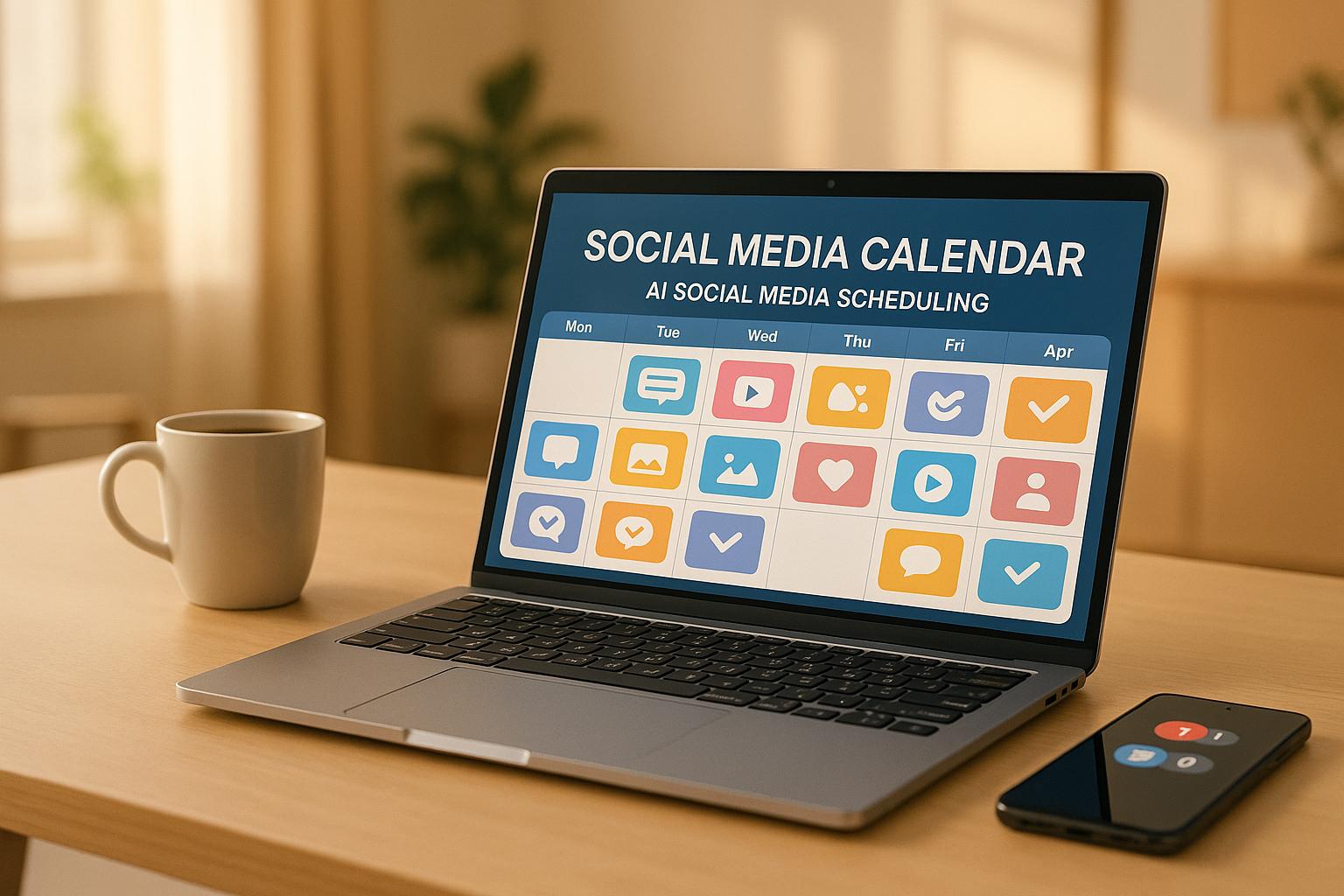
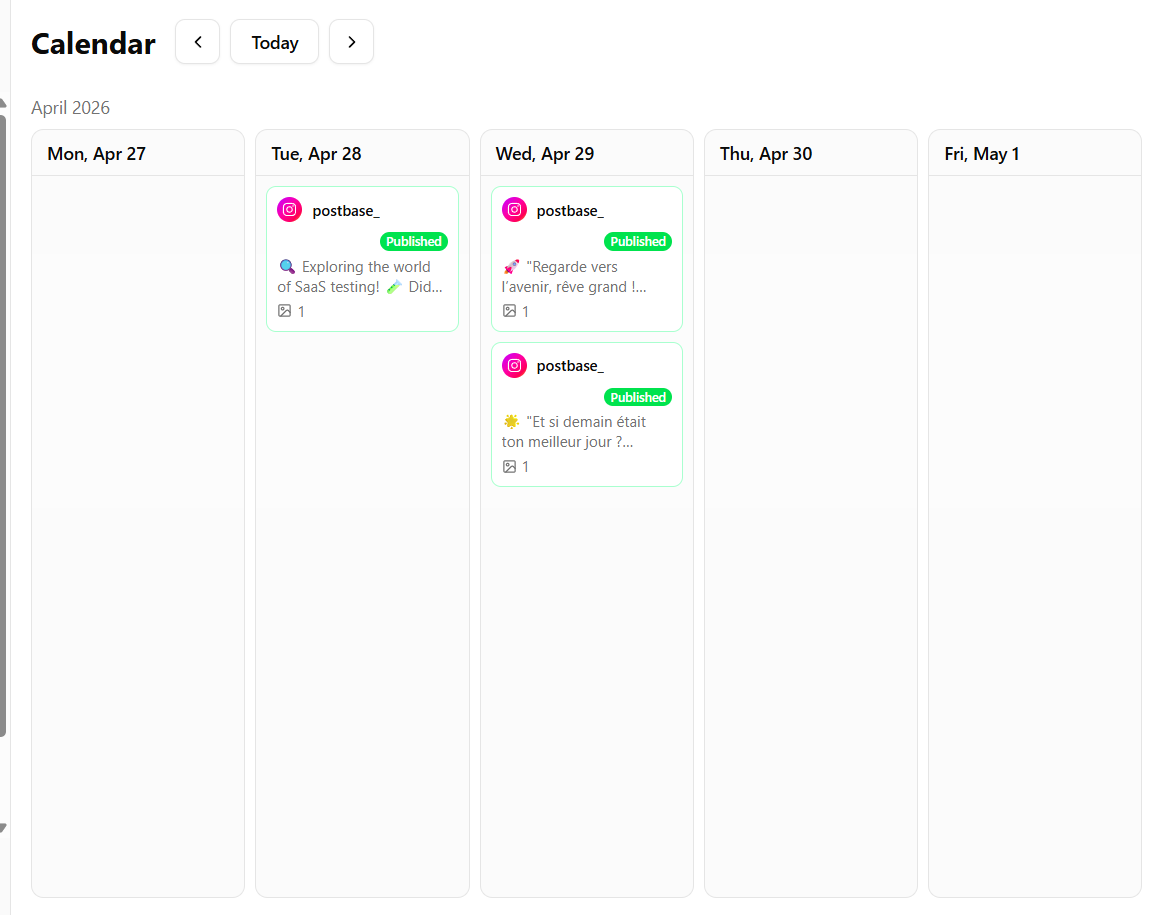
On SocialDesk, this happens inside a single content calendar, across all your connected accounts.
3 Ways AI Scheduling Transforms Your Strategy
1. You Stop Guessing and Start Testing
Manually, most teams pick “safe” times:
Weekdays at 9am or 6pm
“Because that’s what everyone else does.”
AI looks at your data instead of generic best-practice posts. Over time, it can:
- Shift posts toward the hours your followers actually interact
- Adapt when your audience changes time zones or habits
- Suggest different windows per platform (e.g., TikTok late evening, LinkedIn early morning)
This turns your calendar into a live experiment that keeps optimizing itself.
2. You Save Hours on Content Management
Without AI, a simple weekly plan can look like this:
- 6+ platforms
- 2–3 posts each
- Manually picking 12–18 time slots
With AI scheduling in a tool like SocialDesk:
- You drop your posts into a calendar
- The system auto-fills the best times
- You review, tweak if needed, and approve
For busy social media managers and small business owners, that can free several hours per week for strategy, reporting, or actual engagement with followers.
3. You Align Timing With Analytics, Not Opinions
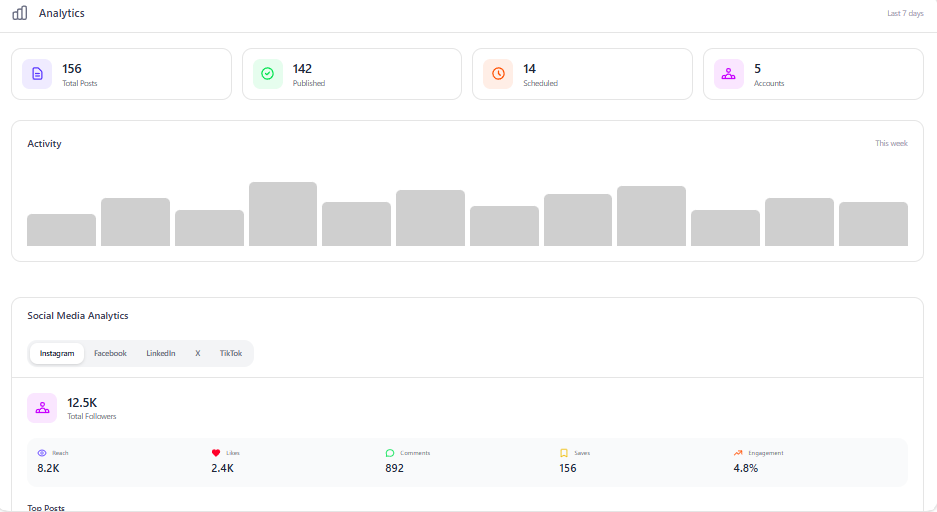
The real power of AI scheduling appears when it’s connected to analytics:
- If your Reels perform better on Thursdays, AI leans into Thursdays
- If LinkedIn text posts crush it in the morning, those slots get prioritized
- If carousel saves spike on weekends, weekends get more content
Tools like SocialDesk combine AI scheduling with performance analytics, so the system learns from:
- Clicks and impressions
- Watch time and completion rates
- Comments, DMs, and replies (all visible in a unified inbox)
Over time, timing becomes one more data-driven lever you can adjust alongside creative, copy, and format.
Let AI Take Over Your Posting Schedule
SocialDesk uses AI-powered scheduling to optimize your posting times across every major platform helping you get more reach from the content you already create.
It analyzes performance and audience behavior to automatically choose smarter time slots while you focus on strategy, not spreadsheets.
Plan, schedule, and analyze all your social media from one AI-first workspace.
How to Start Using AI Scheduling in Your Workflow
You don’t need to overhaul your entire process at once. Start simple:
Step 1: Centralize Your Accounts
Connect your main social channels (Instagram, TikTok, LinkedIn, X, Facebook, YouTube) into a single tool like SocialDesk so AI can:
- See your full posting history
- Compare performance across platforms
- Learn from all your data, not just one account
Step 2: Batch Content, Then Let AI Place It
Create your posts in batches. Then drop everything into your calendar and turn on AI time suggestions.
Step 3: Review Results Weekly (Not Hourly)
Instead of babysitting posts, do a quick weekly review:
- Check which time windows brought the most clicks and impressions
- Note which formats (Reels, carousels, text posts) work best at which times
- Let AI adjust for the next week while you refine topics and creatives
When AI Scheduling Works Best
AI scheduling is especially powerful if:
- You manage 3+ platforms or multiple brands
- Your audience is spread across time zones
- You’re juggling strategy, content creation, and community management alone or in a small team
Paired with SocialDesk’s unified inbox and auto-replies, it lets you:
- Post at the right time
- Reply without delays
- See performance in one place
So your social media strategy becomes less guesswork, more system—and a lot less stressful.