Automate Your Social Media: A Simple System To Win Back 5+ Hours a Week

Automate Your Social Media: A Simple System To Win Back 5+ Hours a Week
You don't save time by posting faster, you save it by touching each post fewer times.
Here's a simple, realistic social media automation system that uses AI tools, scheduling, and efficiency tools so you claw back 5+ hours a week without your content turning into a robot stream.
Step 1: Batch your content, then let AI do the heavy lifting
Most people waste time context-switching between platforms. Instead:
- Plan themes once a week. List 5–10 post ideas across Instagram, TikTok, LinkedIn, X, Facebook, and YouTube.
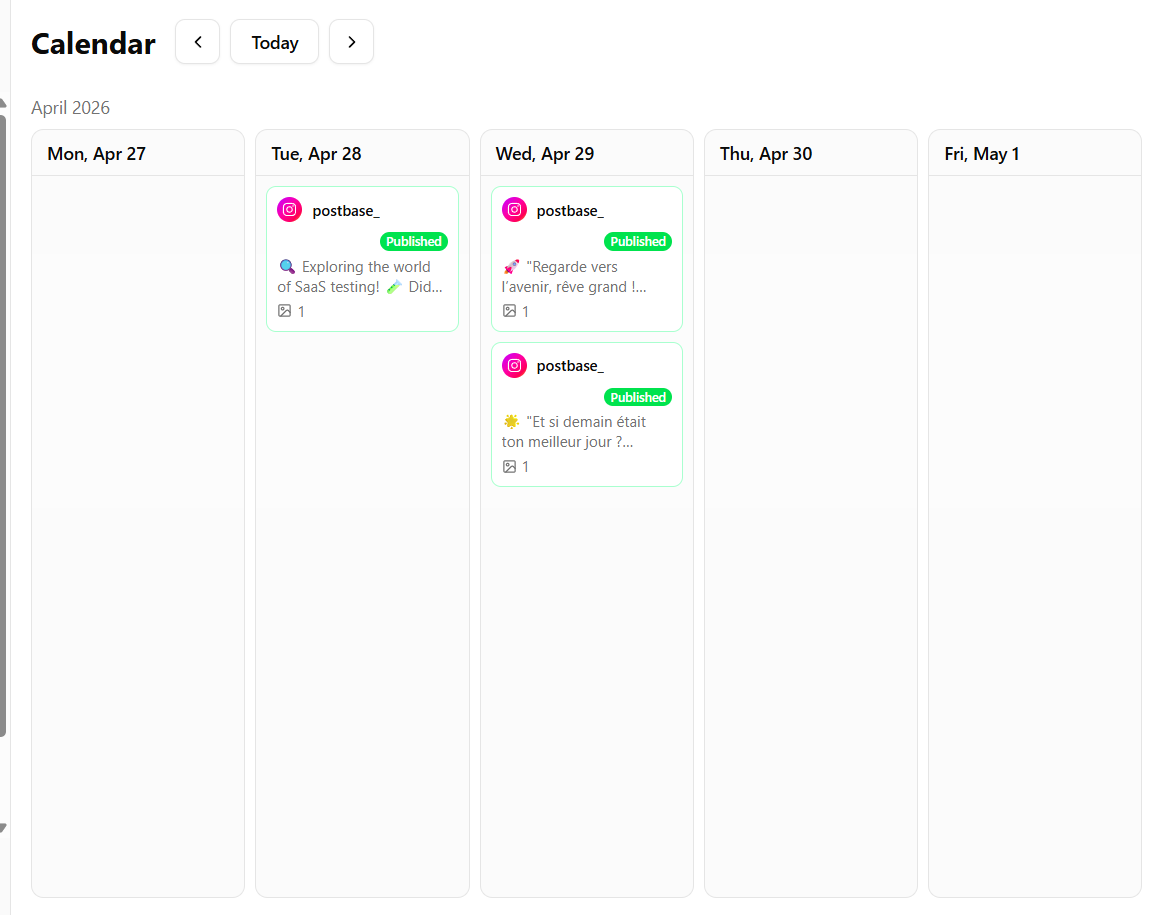
- Draft in one place. Use a content calendar inside a tool like SocialDesk so ideas, drafts, and scheduled posts live together.
- Use AI captions. Let SocialDesk's AI caption generation create first drafts tailored to each platform, then you edit for tone and details.
You go from blank page to multi-platform content in a single focused session.
Step 2: Automate scheduling for actual peak times
Guessing "best times" wastes reach.
Tools like SocialDesk use AI-powered scheduling that learns from your past performance and audience behavior. Instead of manually picking times, you:
- Add posts to a queue.
- Let the AI select the optimal slots for each platform.
- Use bulk scheduling to load a week or month in one sitting.
For evergreen content, turn on post recycling so strong posts automatically reappear weeks or months later.
Step 3: Centralize conversations with a unified inbox
The fastest way to burn time is hopping between apps replying to DMs and comments.
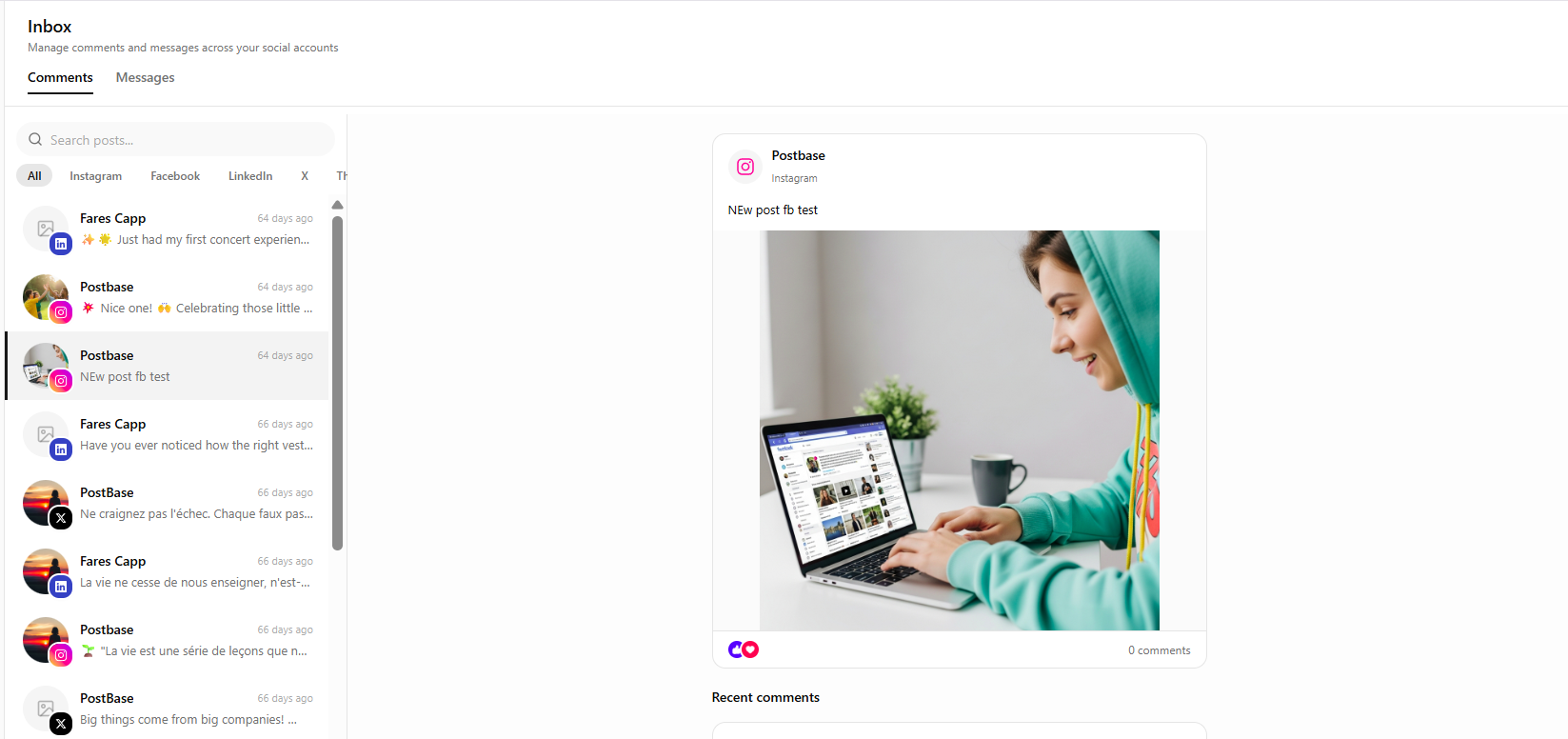
A unified inbox pulls comments and messages from Instagram, TikTok, LinkedIn, X, Facebook, and YouTube into one screen. From there you can:
- Reply without opening each app.
- Apply filters (unread, priority customers, recent mentions).
- Use saved replies and auto-replies for FAQs like hours, pricing, or booking links.
You stay responsive without living inside your notifications.
Step 4: Use micro-tools to remove annoying manual tasks
Small tasks quietly eat your time. A few automations fix that:
- Use the Instagram carousel splitter instead of manually slicing images.
- Design a 9-grid once with the Instagram grid maker instead of guessing crop sizes.
- Clean up messy LinkedIn posts with the LinkedIn text formatter so everything stays readable.
- Use the downloader to quickly save reference content or your own posts across platforms.
Step 5: Let analytics decide what to repeat
Automation works best when you double down on what's already winning.
Inside SocialDesk's analytics, review every week:
- Which formats brought saves, clicks, or replies.
- Which posting windows keep outperforming.
- Which platforms deserve more or fewer posts.
Turn top performers into templates, then feed them back into your AI tools, queues, and post recycling.
Once this system is set, "managing social" shifts from daily scrambling to one or two focused blocks a week, while your content keeps going out and conversations stay active.