


The LinkedIn scheduler for your profile and your company Pages
Schedule text, photo, video and document posts, publish them automatically, and answer comments from one inbox, with AI replying on your company Pages.
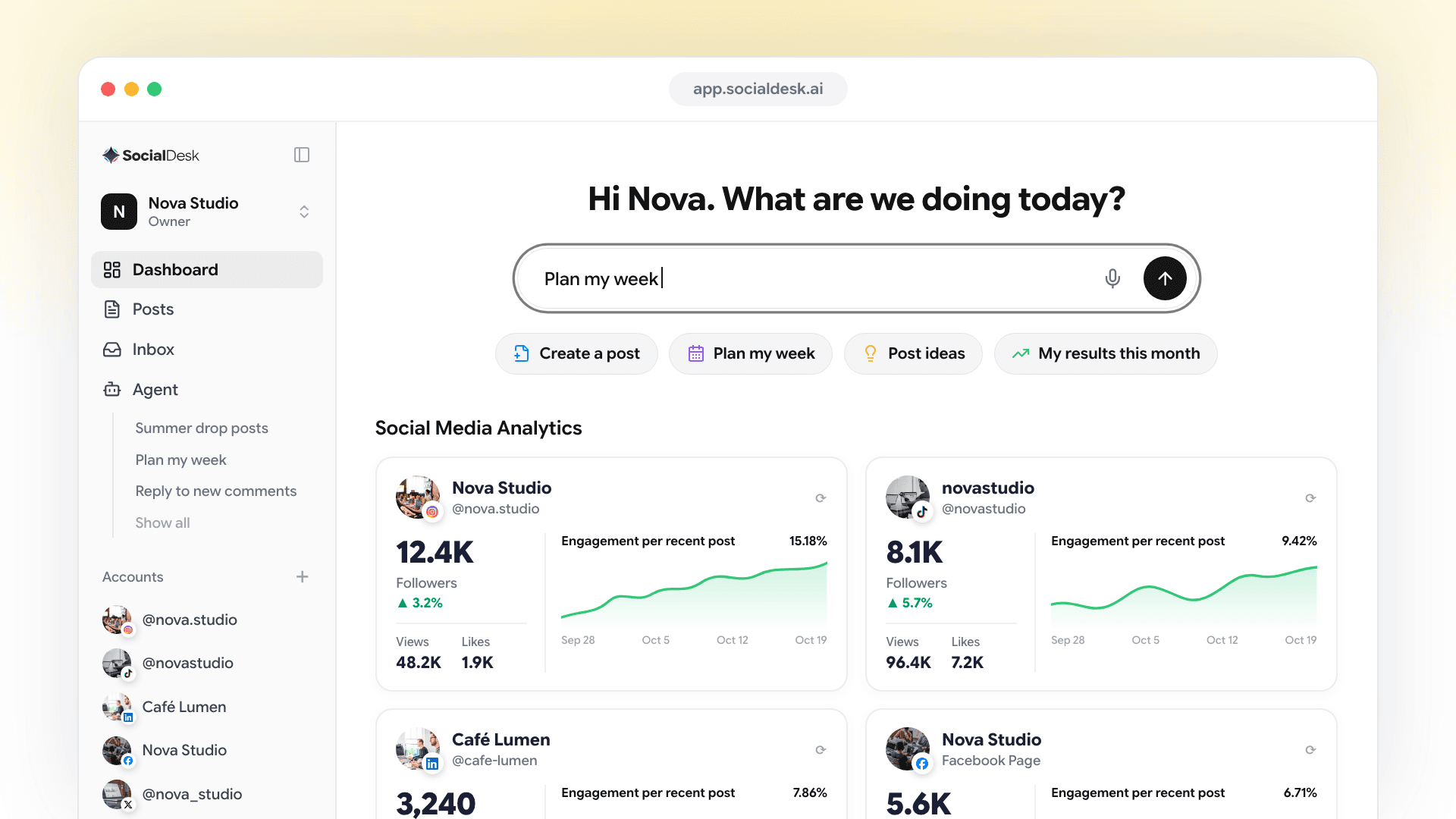
Every LinkedIn format, scheduled and auto-published
Write your post, add photos, a video or a document, choose a time. SocialDesk publishes it to your profile or Page through the official LinkedIn API.

Text posts
Share an update or a story with no media, the most common post on LinkedIn.
- Up to 3,000 characters
- No photo or video needed
- Automatic first comment



 +6
Photo posts
Share one photo or several in a single post, with your text.
- Up to 9 photos per post
- JPG, PNG or GIF, up to 8 MB
- Profile or company Page

Videos
Add a video to your post and publish it to your profile or Page.
- One video per post
- MP4 or MOV, up to 5 GB
- 3 seconds to 10 minutes

Document carousels
Upload a PDF, PowerPoint or Word file and LinkedIn shows it as slides people swipe through.
- PDF, PPT, PPTX, DOC or DOCX
- One document per post
- Profile or company Page
LinkedIn post limits
The rules LinkedIn applies to every post, and how SocialDesk keeps you inside them.
- Text
- 3,000 characters
- Live counter; warning before publishing if it's longer
- Text-only posts
- Allowed
- Publish without any photo, video or document
- Photos
- Up to 9 per post
- More than 9 can't be published
- Photo format
- JPG, PNG or GIF, up to 8 MB
- Warning before publishing if a file doesn't fit
- Video
- One per post, MP4 or MOV, up to 5 GB
- Warning before publishing if a file doesn't fit
- Video length
- 3 seconds to 10 minutes
- Trim longer videos before adding them
- Documents
- One PDF, PPT, PPTX, DOC or DOCX per post
- Can't be mixed with photos or a video in the same post
- Visibility
- Profile: anyone or connections only; Pages: public
- Choose who sees your profile posts in the composer
- First comment
- 1,250 characters
- Posted automatically right after your post
Limits come from LinkedIn's publishing rules and can change. To publish to a company Page, you need to be one of its admins.
Answer every LinkedIn comment from one inbox
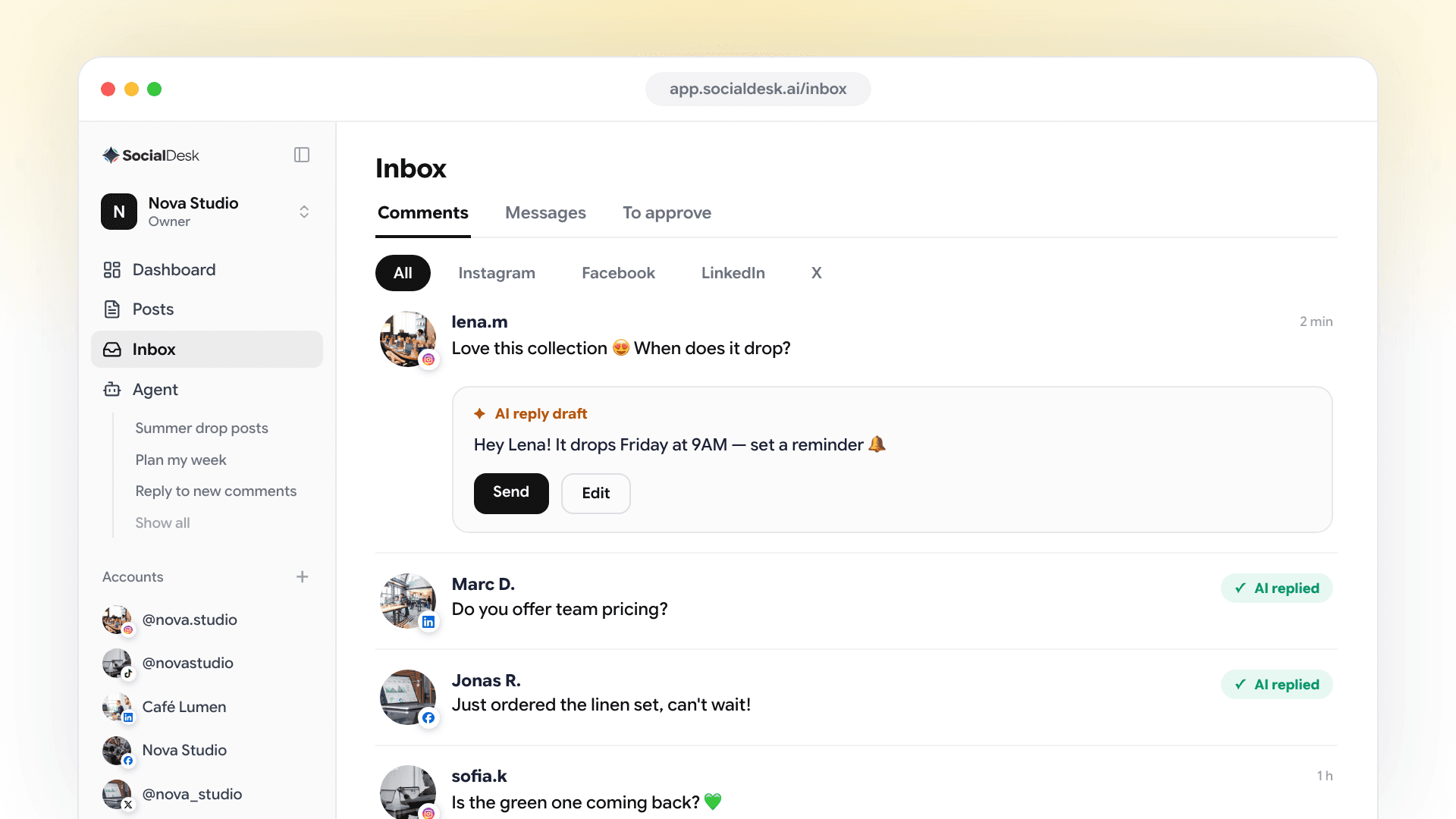
Comments on your posts land next to your other accounts, and AI can reply on your company Pages for you.
Reply to, like or delete comments
Answer the post or a specific comment, like it, or remove it without opening LinkedIn.
AI auto-replies on your Pages
Let AI answer common comments on your company Pages automatically.
Or drafts you approve
Prefer to check first? AI drafts the reply and you send it in one click.

More tools for your LinkedIn
Everything around the post: writing, planning and analytics.
AI posts in a LinkedIn style
Draft posts with a hook, short paragraphs and a question at the end, then edit them so they sound like you.
Automatic first comment
Put your link or extra details in the first comment. SocialDesk posts it right after your post.
Recurring posts
Repeat evergreen posts on a schedule, like a weekly hiring update or a monthly recap.
Calendar with drag & drop
See your week or month, drag a post to a new day, and edit anything before it goes out.
LinkedIn Page analytics
Track followers, impressions, clicks, engagement and page views, plus reactions, comments and shares on each post.
Profile, Pages & a team
Connect your profile and several company Pages, group them in spaces and invite your teammates.
How to connect your LinkedIn


Click Connect account
In SocialDesk, click Connect account and choose LinkedIn.
Log in with LinkedIn
Sign in and allow SocialDesk to post on your profile and Pages, manage Page comments and read Page analytics.
Pick your profile and Pages
Click Connect next to your profile and each Page you admin, then Continue. Your Pages' recent posts are imported.
LinkedIn scheduling FAQ
Can SocialDesk publish to LinkedIn automatically?
Yes. Text, photo, video and document posts are published to your profile or company Page through the official LinkedIn API at the time you choose.
Can I schedule LinkedIn document carousels?
Yes. Upload a PDF, PowerPoint or Word file and LinkedIn shows it as swipeable slides. You can add one document per post, without photos or a video.
Can I post to a LinkedIn company Page?
Yes, if you're an admin of the Page. When you connect, pick your profile, your Pages or both. Posts on a Page are always public.
Can I manage LinkedIn comments?
Yes. The inbox shows comments on your posts. You can reply, like or delete them, and let AI answer comments on your company Pages automatically or draft replies for you to approve.
Can I answer LinkedIn messages in SocialDesk?
No. LinkedIn doesn't let apps like SocialDesk read or send private messages, so you answer them on LinkedIn.
Is there a free trial?
Yes. Every plan starts with a 7-day free trial, no credit card required.
Explore more
Make LinkedIn effortless with SocialDesk
Schedule your posts and answer every comment from one place. Try it free for 7 days, no card required.
Start free trial