
10 Social Media Scheduling Tips For Ridiculously Busy Professionals
10 Social Media Scheduling Tips For Ridiculously Busy Professionals
You don't need more hours in the day, you need a tighter social media scheduling system. Here are 10 practical tips you can actually use this week.
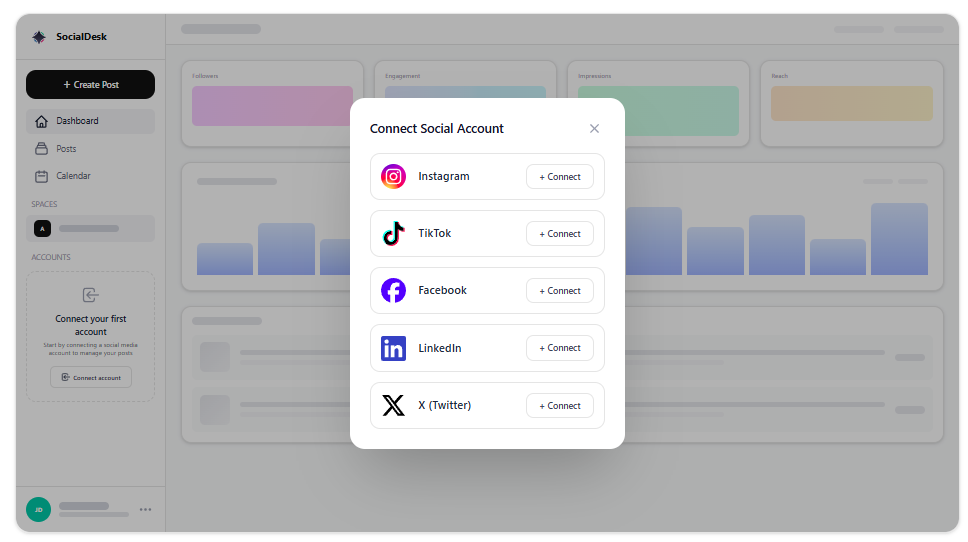
1. Centralize everything in one dashboard
Stop tab-hopping between Instagram, TikTok, LinkedIn, and X. Connect all your profiles to a single tool so you can plan, publish, and respond from one place. With SocialDesk, you get scheduling, a unified inbox, and analytics in the same view.
2. Batch-create, then batch-schedule
Context switching kills time. Block 60–90 minutes to:
- Draft 10–15 posts
- Add visuals or short videos
- Schedule them in one sitting using bulk scheduling
That block becomes your weekly content engine instead of scrambling daily.
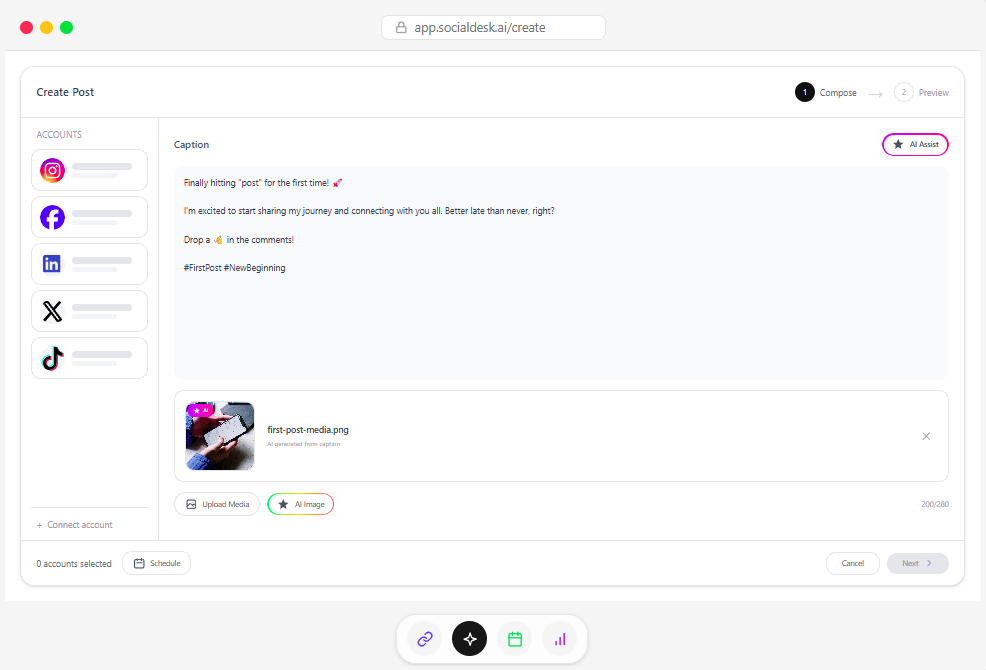
3. Let AI handle the first draft
Staring at a blank caption wastes energy. Use AI caption generation in SocialDesk to get 3–5 variations, then tweak tone and CTAs. You stay in control of the message while AI handles the heavy lifting.
4. Build a simple weekly posting pattern
You don’t need a complex content matrix. Start with a repeatable pattern like:
- Mon: educational tip
- Wed: social proof or case study
- Fri: behind-the-scenes or personal angle
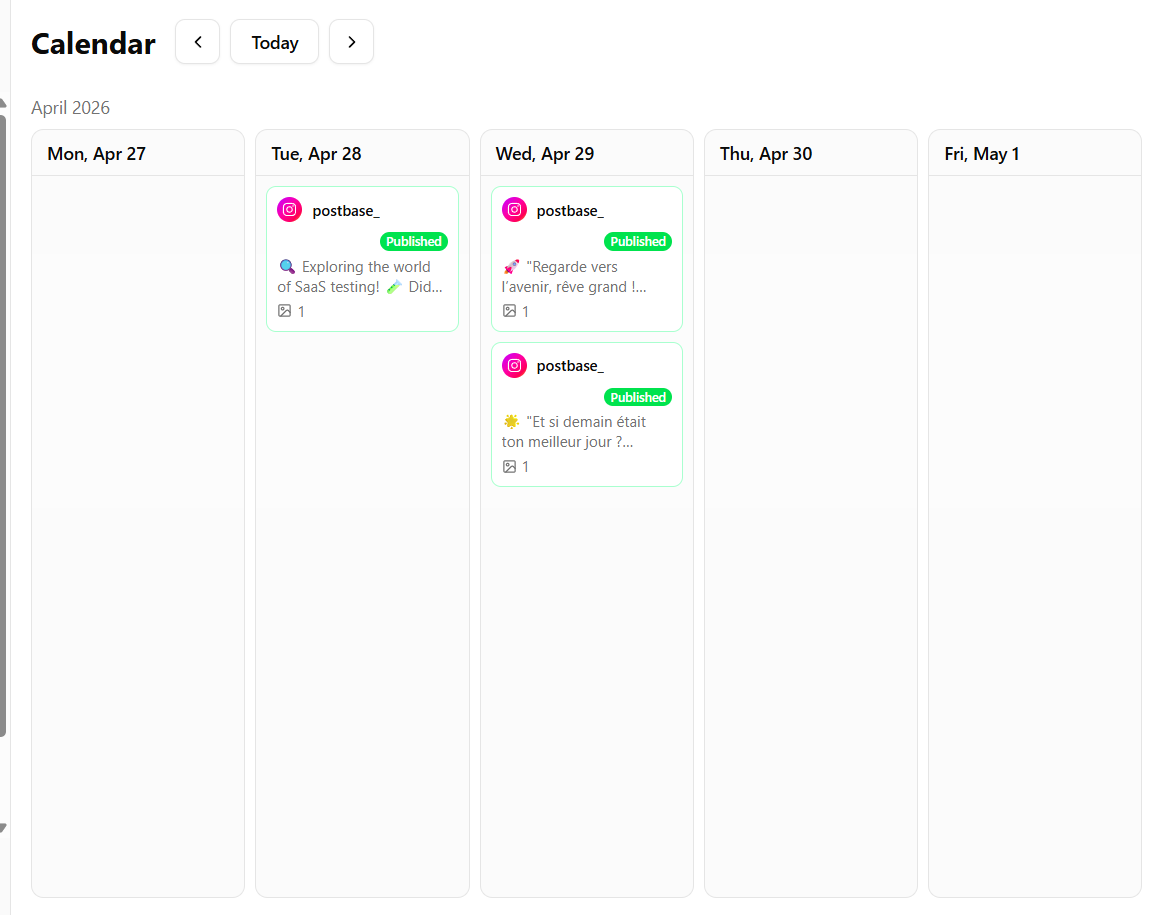
Drop that into SocialDesk’s content calendar so you always know what you’re filling.
5. Use AI-powered optimal times
Guessing posting times is a time sink. Turn on AI-powered scheduling so posts automatically land when your audience is most active, based on your own performance data.
6. Recycle what already works
Not every post has to be new. Use post recycling to:
- Reshare evergreen tips
- Repost high-performing threads as carousels
- Turn long posts into short snippets
Tweak the hook and creative so it feels fresh.
7. Turn long content into multi-platform assets
One podcast, blog, or webinar can become:
- LinkedIn post (formatted with the LinkedIn text formatter)
- Instagram carousel (made with the carousel splitter)
- Short clips for Reels, TikTok, and Shorts
Schedule these in one session across all platforms.
8. Protect your DMs with auto-replies
Engagement shouldn’t stop when you’re in meetings. Use auto-replies in your unified inbox to:
- Acknowledge new DMs
- Share FAQs or links
- Set expectations on response time
You look responsive without being glued to your phone.
9. Set analytics check-ins, not daily rabbit holes
Instead of refreshing stats all day, schedule a 15-minute weekly review. In SocialDesk, look at:
- Top posts by reach and saves
- Best posting times
- Click-through on key links
Adjust the next week’s content and schedule based on that, then move on.
10. Use templates so you’re never starting from zero
Create a small library of reusable pieces:
- Caption frameworks
- Hashtag sets by topic
- Visual templates for quotes or promos
Store them in your SocialDesk workspace so you and your team can plug-and-play. Less thinking, faster scheduling, better time management.