
How to Use AI for Effective Social Media Management (Without Losing the Human Touch)

How to Use AI for Effective Social Media Management (Without Losing the Human Touch)
AI isn’t about replacing you. It’s about killing the repetitive work so you can focus on ideas, relationships, and strategy.
Here’s how to use AI social media management tools like SocialDesk to automate the right tasks while keeping your brand voice intact.
1. Let AI handle your posting schedule
Guessing post times is a time sink. AI already knows when your audience is active.
With SocialDesk’s AI-powered scheduling, you can:
- Connect your Instagram, TikTok, LinkedIn, X, Facebook, and YouTube accounts.
- Create or import your posts.
- Let AI suggest optimal times per platform based on your performance data.
- Use bulk scheduling to queue a week or month of posts in one go.
That means no more spreadsheet juggling, just a clear content calendar that runs itself.
2. Use AI to create and format content faster
Staring at a blank caption box is slow and expensive.
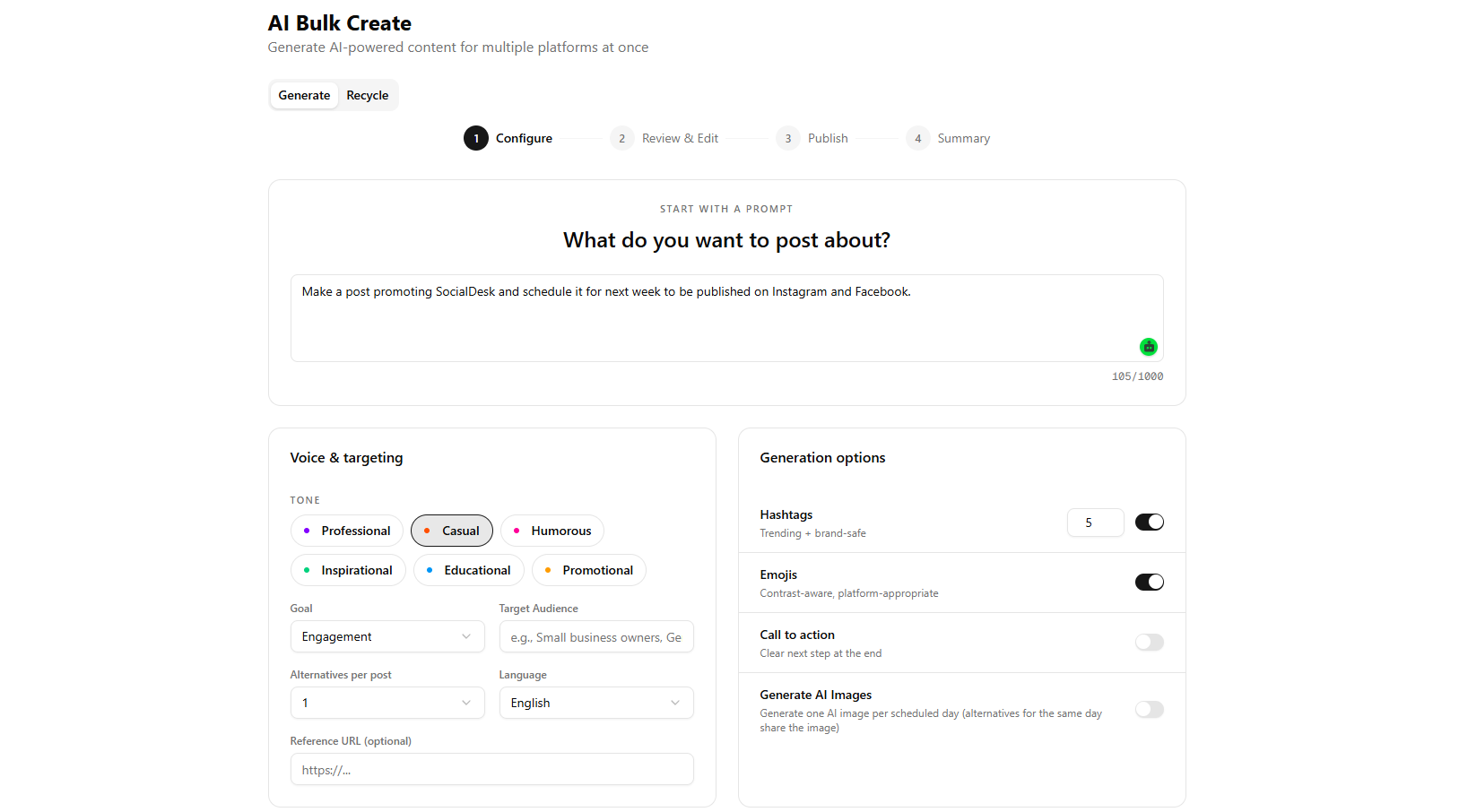
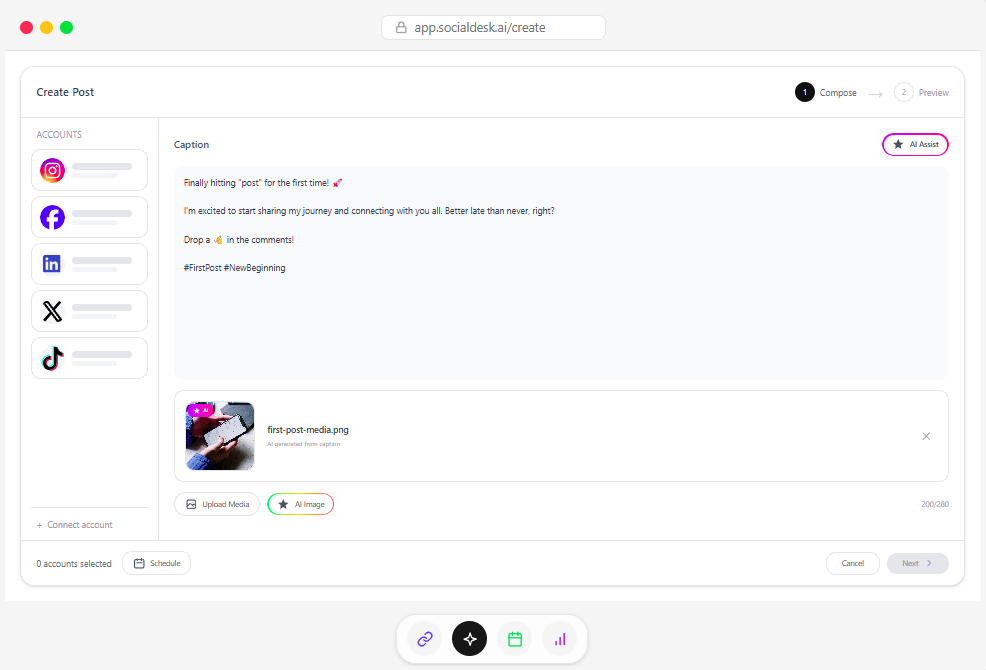
SocialDesk’s AI caption generation helps you turn ideas into ready-to-post content:
- Turn one idea into platform-specific variations (TikTok hook, LinkedIn post, Instagram caption).
- Use the LinkedIn text formatter to add spacing, bullets, and clean formatting that survives copy-paste.
- Build Instagram visuals with the grid maker and carousel splitter to slice your designs into swipeable posts.
You stay in control of the message, AI does the heavy lifting.
3. Automate replies without sounding robotic
Your DMs and comments shouldn’t own your day.
A unified inbox, like the one in SocialDesk, pulls Instagram, TikTok, Facebook, LinkedIn, and X conversations into one place. Then auto-replies kick in for:
- FAQ-style questions (opening hours, pricing, location).
- Simple support triage ("We’ve received your message, here’s what happens next").
- Lead capture (asking for email or details before you jump in).
You still jump into important conversations, but AI filters the noise.
4. Let analytics guide what you automate next
If you’re automating blindly, you’ll just do the wrong things faster.
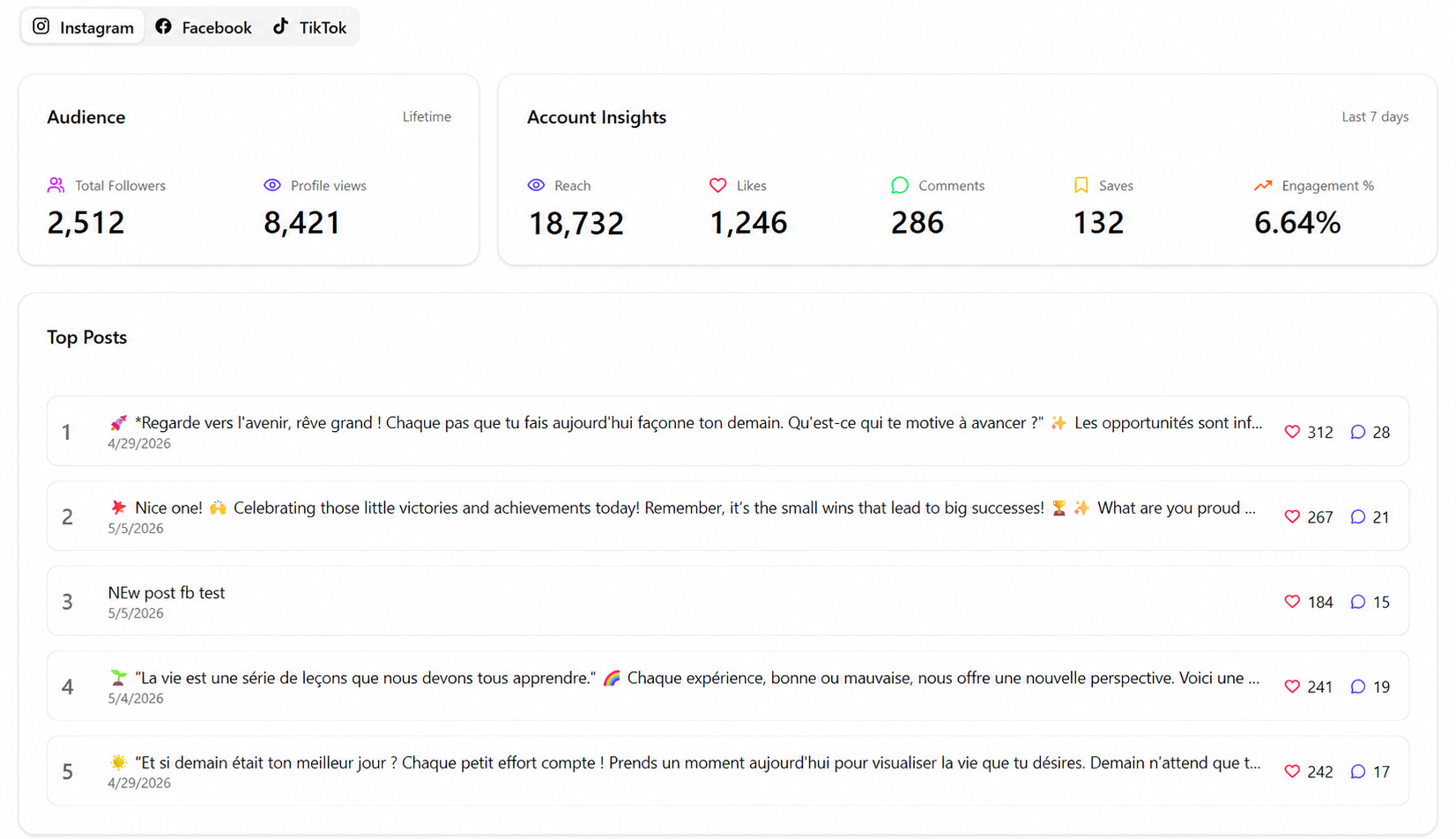
Use SocialDesk’s analytics to track:
- Which post formats generate saves, shares, or clicks.
- Which platforms respond best to recycled content.
- What posting windows drive actual results, not just impressions.
Then double down by using post recycling for your top performers and updating your AI scheduling rules.
5. Start small, then layer in more automation
If you’re just getting into AI automation, don’t flip every switch at once. A simple rollout that works for most teams:
- Turn on AI scheduling and bulk scheduling.
- Add AI captions and LinkedIn formatting.
- Centralize messages in the unified inbox.
- Enable a few targeted auto-replies.
- Use analytics to refine and recycle your best posts.
Want to try it without budget stress? SocialDesk’s free plan lets you test AI-powered scheduling, content tools, and more before you commit.