

Beginner's Guide to Instagram Grids That Actually Get Engagement
Beginner's Guide to Instagram Grids That Actually Get Engagement
Your Instagram grid is your storefront. If it looks messy, people bounce before they ever tap “Follow”. The good news: you don’t need design skills to make it look intentional.
This beginner’s guide walks you through planning, designing, and scheduling an engaging grid that supports your visual marketing goals.
Step 1: Pick a Simple Grid Style You Can Maintain
Don’t start with something complex. Choose a grid style you can keep up with for months, not days.
Three beginner-friendly options:
- Row themes: Each row is a topic (e.g., Tips, Behind the Scenes, Testimonials).
- Alternating posts: Photo, quote, photo, quote. Easy rhythm, easy planning.
- Color accents: One brand color appears in every post so the grid feels cohesive.
Ask yourself: Can I realistically stick to this pattern 3–4 posts per week? If not, simplify.
Step 2: Build a 9-Post "Preview" Grid
Think in blocks of nine posts. That’s what new visitors usually see first.
Create a quick content map:
1: Hook tip
2: Brand photo
3: Social proof
4: Tutorial
5: Quote/statement
6: Product shot
7: Carousel how-to
8: Behind the scenes
9: Direct CTA (follow, save, link in bio)
This structure avoids a wall of promos and mixes value, personality, and offers.
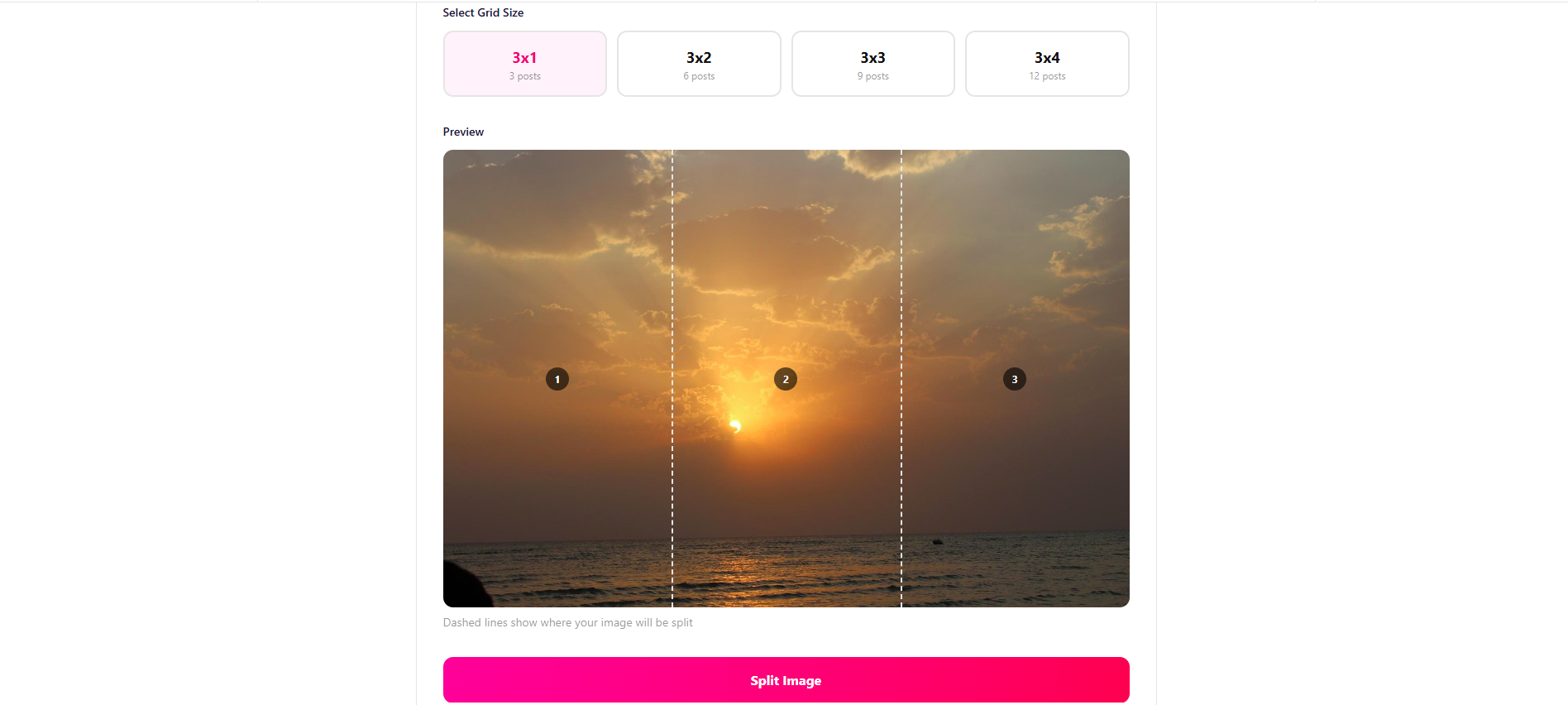
Use the Instagram Grid Maker from SocialDesk to preview how your next 9–12 posts will look before you publish.
Step 3: Make Visual Rules and Stick to Them
Consistency beats perfection. Create a simple visual rulebook:
- Fonts: 1 heading font, 1 body font
- Colors: 2–3 brand colors + 1 neutral
- Photo style: Mostly close-ups, mostly flat lays, or mostly portraits
- Logo: Only on carousels or covers, not on every single image
Store these in a shared doc so your team or clients stay aligned.
If you create carousels, use SocialDesk’s Instagram Carousel Splitter to prep them quickly without messing up quality.
Step 4: Schedule for Flow, Not Just Time
You’re probably already thinking about best posting times. Good. But grid design adds another layer: sequence.
Inside SocialDesk, you can:
- Connect Instagram plus your other channels once
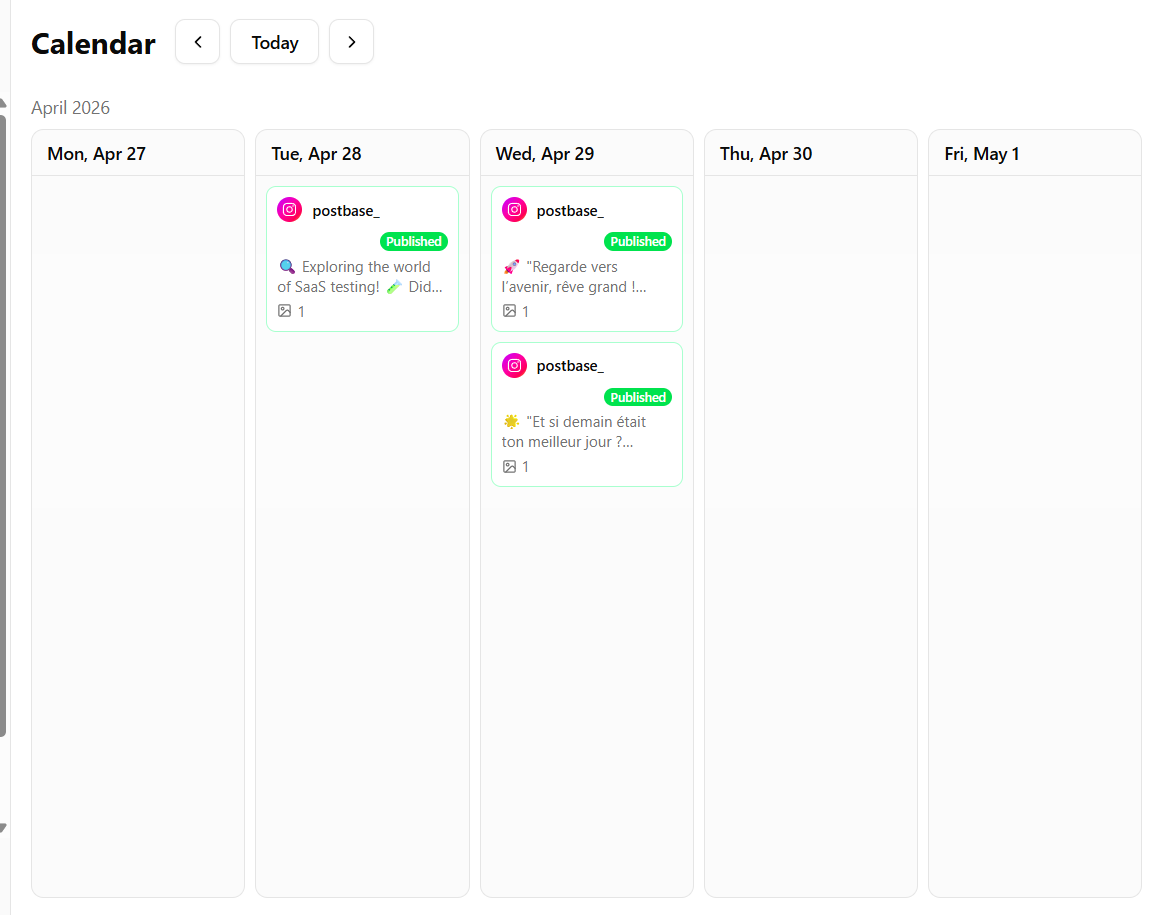
- Drag posts to reorder them by date to fix awkward grid gaps
- Let AI-powered scheduling suggest optimal times while you focus on the visual flow
Step 5: Measure What Actually Drives Engagement
A pretty grid without saves, comments, or clicks is just decoration.
Check your analytics in your social tool:
- Which grid spots perform best (top row vs. bottom)?
- Do quote tiles get saves but not follows?
- Are faces outperforming product-only shots?
Use this data to tweak your next 9-post block, not to redesign everything from scratch.
If you manage multiple brands or accounts, SocialDesk’s unified view makes it easier to compare what grid styles work across niches and scale the winners.